The Teacher Toolkit: Classrooms, Analytics, AI Assistants, Help Queue & Affective Heatmap
By Qwizflow Team
17 April 2026
· 7 min read
Qwizflow gives teachers a command centre for their classrooms — not just grades, but real-time student analytics, AI-powered assistants that help you differentiate instruction, live competitive quizzes, an in-product help queue your students can ping you on, a weekly affective heatmap of how your topics are landing, durable notes the AI tutor will respect, AI lesson and unit planners, and safeguarding workflows that support your duty of care.
On the student side, your class now has a single front door for every AI tool — the Owl Tutor, a floating chat students open from any page to ask for flashcards, quizzes, story help, homework explanations or a debate partner in plain language. Nothing has gone around your existing controls: every classroom AI policy, every safety flag rule, every aggregated-only privacy promise, and every per-feature consent gate still applies to whatever the Owl Tutor invokes. You don't get raw chat transcripts (you never have) — but the affective heatmap, help queue and Progress Alerts all keep working unchanged.
Classroom Management — Set Up and Run Your Classes
Create and Manage Classrooms. Create classrooms per subject or year group, invite students via unique join codes, and view the full roster with each student's progress at a glance.
Bulk Student Import. Paste or upload names and Qwizflow generates an invite code for each student.
Classroom Policies and Schedules. Set AI feature policies per classroom (for example, disable Story Writer during exams), configure active hours, and override individual student settings when needed.
Classroom Theme Editor. Brand your classroom with custom colours, mascots, and motivational messages.
Live Student Monitoring. Watch activity flow in real time — who is answering, who is idle, who just completed a quiz — with a one-click nudge to re-engage distracted students.
Analytics and Insights — See the Full Picture
Classroom Analytics Dashboard. Average mastery per topic, quiz completion rates, time-on-task, and week-over-week trends, filterable by topic, time range, or student group.
Individual Student Reports. Mastery per concept, quiz history, learning velocity, and a strength-and-weakness breakdown — exportable for parent-teacher interviews.
Progress Alerts. Fixed, visible rules flag students in your class who may need a check-in — three quiz scores in a row below 50%, no activity for five days, or falling mastery. Every alert shows its reason and is shown only to that class's teacher; no AI model decides who is flagged.
Knowledge Heatmap and Curriculum Coverage. A colour-coded grid of mastered (green), learning (amber), and not-started (grey) concepts, overlaid against your curriculum's topic list.
Durable Notes on a Student's Learner Profile. Leave short notes the AI carries into every subsequent session — "Has a reader modification for extended time", "Responding well to visual explanations this term". Pick per-note visibility (teacher-only, student-visible, or shared with the linked parent); up to 25 active notes per student, removal on student request, every note auditable.
Teaching Tools — Engage Your Classroom
Create, Assign and Grade. Assignments linked to specific topics, assigned to individuals, groups, or the whole class, with AI-suggested feedback you can edit before sending.
Live Quiz (Kahoot-Style). Students join from their devices, questions appear on the big screen, and a real-time leaderboard drives friendly competition. Export results after.
Classroom Challenges. Multi-day challenges with live classroom leaderboards.
Question Bank and Question Checks. Browse, create, and calibrate questions. Every generated question is checked before it is saved — it must have a full set of options and its marked answer must be one of them — and you can report any question for review.
Smart Group Formation. AI-suggested groupings based on ability levels, learning styles, and social dynamics — mixed-ability for peer tutoring or ability-matched for targeted instruction.
AI Assistants — Your Teaching Co-Pilot
Teacher Copilot — Daily Feed. A personalised morning briefing: which students need attention, which topics are trending well, upcoming assignments, and suggested focus areas.
Teacher AI Chat. Ask "Which students are ready for extension work on fractions?" or "Generate a worksheet on photosynthesis for my struggling group" and get instant, data-informed answers.
AI Assignment Generator. Differentiated assignments based on your classroom's actual knowledge gaps, generated per ability group and structured on your curriculum.
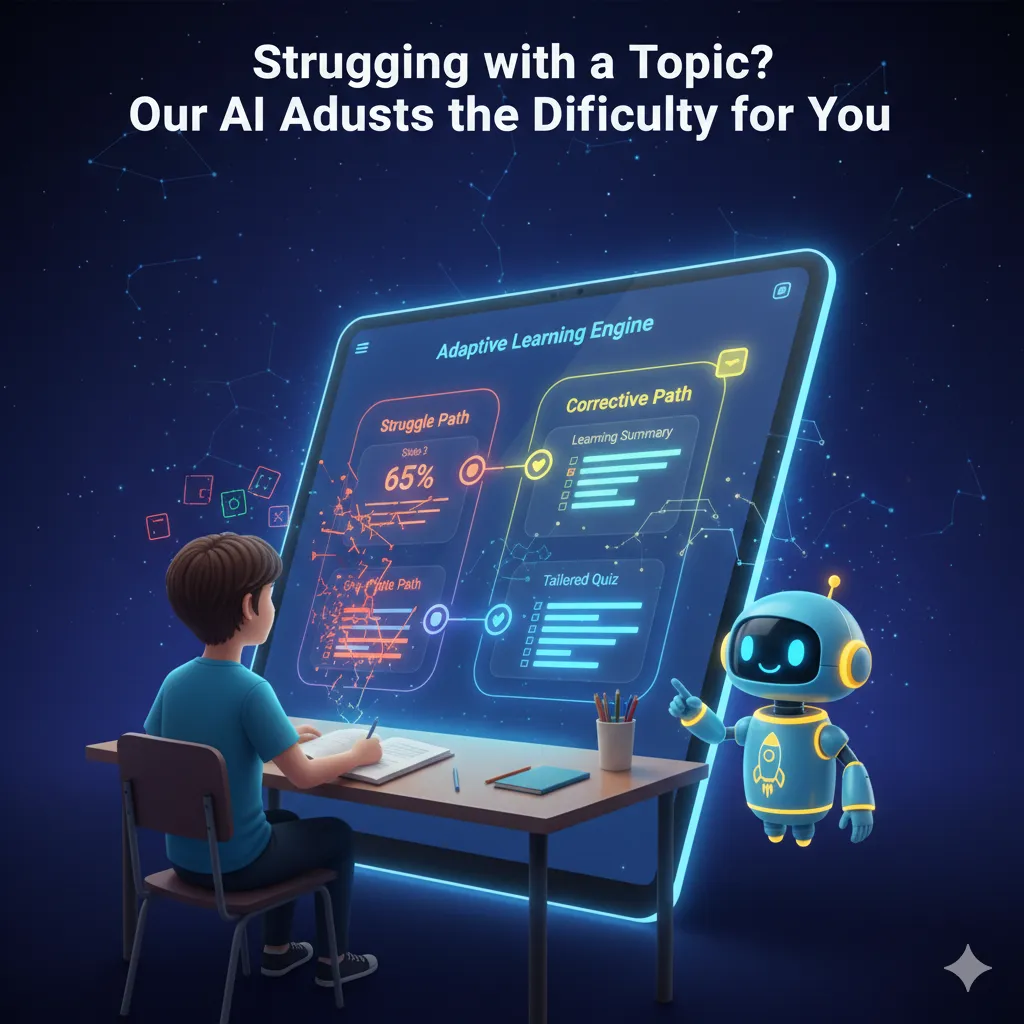
Differentiation Engine. Automatically serves each student the right level — foundation, standard, or extension — without you creating three versions of every resource.
AI Lesson Planner. Pick a topic for one of your classrooms and get a structured lesson plan, then use Assign starter quiz to class to send the class a quiz on it in one click.
AI Unit Planner. Plan a multi-lesson scheme of work for a classroom, and assign it to the class with one assignment per lesson.
Engagement Loop — Stay Connected to Every Student
Teacher Help Queue (Student-Initiated). Students tap "Ask a Teacher" from any quiz question, AI explanation, or rationale card. You receive a short AI-written brief with the topic, the question, what they tried, and relevant learner-model context. Acknowledge, answer, or dismiss with a note — every transition is logged, and students see the status without leaving Qwizflow.
One-Click Teacher Nudges. Send a 200-character nudge straight into an active study session from the Nudge Roster Panel — rate-limited to one nudge per student per five minutes per teacher.
Classroom Affective Heatmap (k-anonymity = 5). A per-topic engagement signal — confident, neutral, frustrated, disengaged — in aggregate only: any topic with fewer than 5 contributing students renders as "not enough data" instead of singling anyone out.
Student Portfolio Wall (Weekly View). Each student's weekly highlights — artefacts, mastered topics, cleared misconceptions, and AI-drafted captions the student edited — a natural surface for parent-teacher interviews.
Classroom Leaderboard Insights. Four teacher-only tiles — average classroom FairScore, participant count, low-engagement count, and top topics by activity. Aggregated only; never raw transcripts.
Safety and Communication — Duty of Care Built In
Safety Flags (Duty of Care). Create, view, and resolve safety flags; concerning AI interactions are flagged for your review.
Safeguarding Escalation Ladder. Every flag moves through a defined state machine — Open → Acknowledged → Actioned → Resolved, with Escalated reachable from Acknowledged or Actioned. Each transition requires a written note, escalations route automatically to the named school counsellor, and every flag carries a full transition history for duty-of-care audits.
AI Interaction Monitor. Aggregated summaries of AI usage in your classroom — never raw transcripts — designed around the Australian Privacy Principles.
Group and Direct Messaging. Message students or broadcast to the class, with all messages logged and moderated.
FAQ
What does the Qwizflow teacher dashboard include?
Classroom management, analytics and insights, teaching tools such as live quizzes and assignments, AI assistants including the lesson and unit planners, the student help queue, the affective heatmap, and safeguarding workflows.
Can teachers see students' AI chat transcripts?
No — teachers never receive raw transcripts. You see aggregated analytics, the k-anonymous affective heatmap, short help-queue briefs, and flagged usage patterns only.
How does the Teacher Help Queue work?
A student taps "Ask a Teacher" from any question or explanation; you receive a short AI-written brief showing the topic, the question, what they tried, and learner-model context. You acknowledge, answer, or dismiss with a note, every transition is logged, and the student sees the status inside Qwizflow.
What is the safeguarding escalation ladder?
A defined state machine for safety flags — Open → Acknowledged → Actioned → Resolved, with Escalated reachable from Acknowledged or Actioned. Each transition requires a written note, escalations route to the named school counsellor, and the full transition history supports duty-of-care audits.
How are teacher nudges kept from becoming spam?
Nudges are capped at 200 characters and rate-limited to one nudge per student per five minutes per teacher, sent only to students with an active session.