Bite-Sized Brilliance: How Interactive Study Quests Work
By Qwizflow Team
15 January 2026
· 2 min read
Turning Static Text into Active Learning
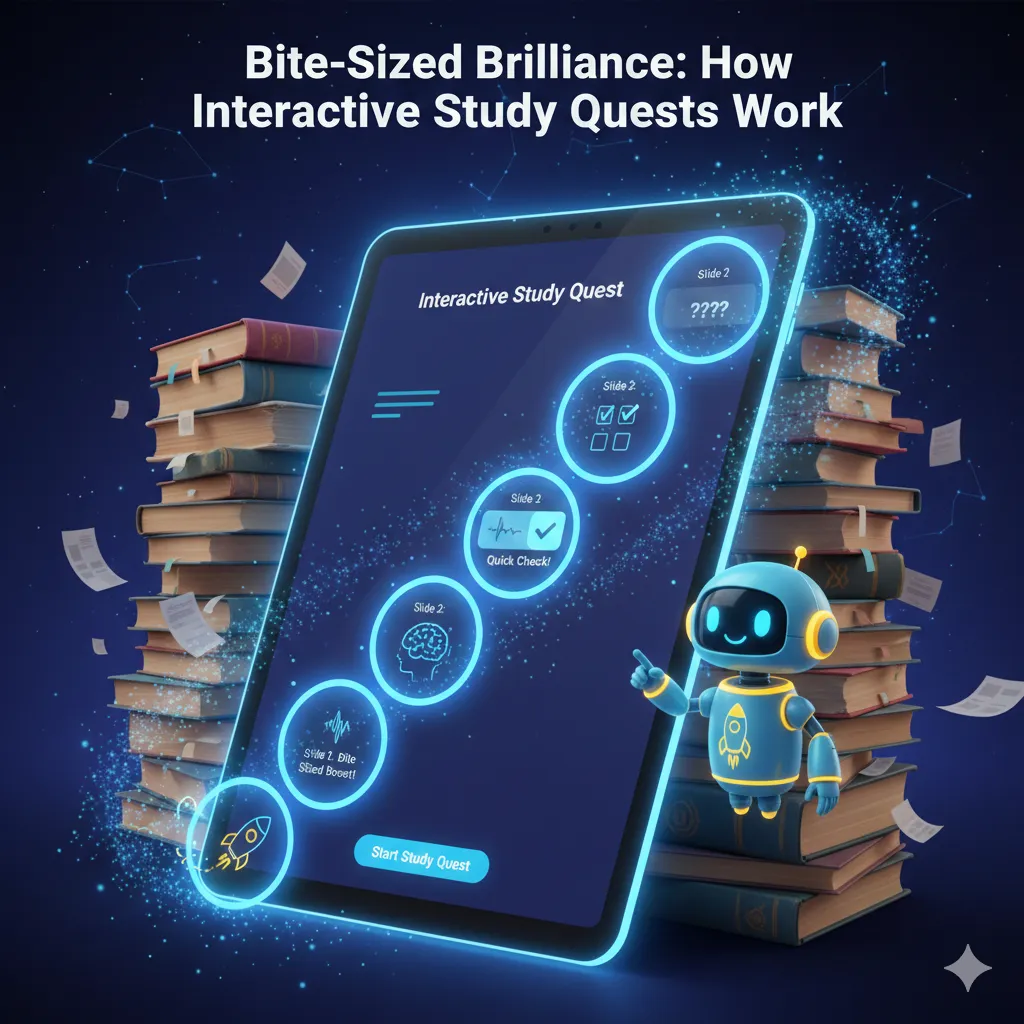
Are you tired of staring at pages of text without retaining anything? Our latest Interactive Study Guide feature is designed to fix that. Using the power of Gemini AI, we don't just summarise your documents — we rebuild them into a 5-slide quest.
Why It Works
- The 'Did You Know?' Hook: every slide starts with a curiosity-driven fact to prime your brain for learning.
- Bite-Sized Mastery: we limit each slide to 100 words, ensuring you don't suffer from cognitive overload.
- Instant QuickChecks: each slide ends with a question. By answering immediately, you use active recall, which is scientifically proven to improve long-term memory.
Next time you upload a scan, look for the "Start Study Quest" button to experience the future of personalised education.
FAQ
What is an Interactive Study Quest in Qwizflow?
A 5-slide interactive rebuild of any document you upload. Rather than just summarising, the AI restructures the content into a quest of short slides with curiosity hooks and instant check questions.
How long is each study quest slide?
Each slide is limited to 100 words to avoid cognitive overload, opens with a curiosity-driven "Did You Know?" fact, and ends with a QuickCheck question.
Why do QuickCheck questions help you remember?
Because answering immediately after each slide uses active recall, which is scientifically proven to improve long-term memory — far more effective than re-reading.
How do students start a study quest?
Upload a scan or document, then look for the "Start Study Quest" button.