The learning app that learns you back.
Not only for school students: any topic you type (16+), your own notes (13+), and adults too.
Every age welcome · 16+ can try it with no sign-up
This site is protected by reCAPTCHA and the Google Privacy Policy and Terms of Service apply.


- Year 5 fractions
- Any topic you type (16+)
- Your own notes (13+)
- For adults too
Start on your curriculum, not a blank page
Pick where you learn and what you want to work on. We build the learning path for you — no card. From 16, no account either.
Ready-made paths on the Australian Curriculum v9 (Foundation–Year 10) and US standards, Kindergarten–Grade 10 — or bring your own topic or documents · Every age welcome; instant demo at 16+
Not just the catalogue, and not just school
Three ways in that do not depend on a year level: your school files, any topic you type, or your own documents.
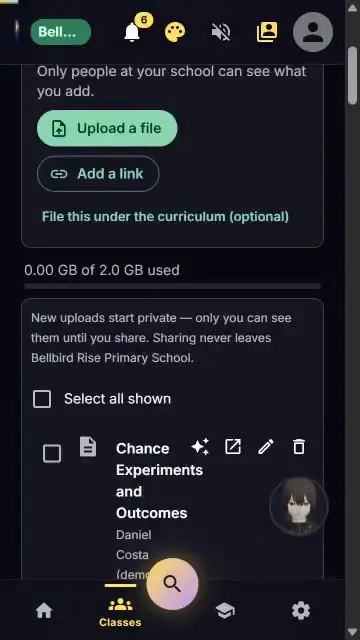
Resources from your school library, turned into a learning path
A school leader or teacher ticks a few files in the school library — a unit plan, a worksheet, a scanned handout — and Qwizflow builds a personalised path from them. They do not have to be curriculum material, and nothing has to be filed under a year level or a subject first.
For schools · any year level
Any topic you type, not just the ones we ship
Type a subject — anything from photosynthesis to film scoring to reading a balance sheet — and Qwizflow builds a whole learning path around it, with its own subjects, topics and quizzes.
From age 16
Your own notes and documents
Upload your own PDFs or photos of a page and get study guides, quizzes and flashcards built from what is actually in them — your lecture notes, a textbook chapter, a practice paper from last year.
From age 13
The ready-made curriculum catalogue covers Foundation/Kindergarten to Year/Grade 10. These three ways in are not limited to it — so a senior-secondary student, a university student, an apprentice or an adult picking up something new is not left out.
See it on the live app
An adult with no school signs up, chooses a topic of their own, reading the night sky, and gets a learning path built around it, then takes a first quiz with an explanation after every answer and opens the Progress page.
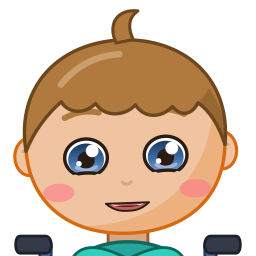
Meet the cast
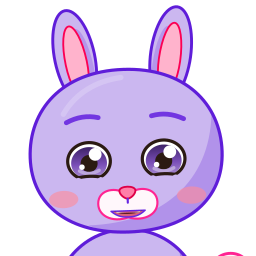
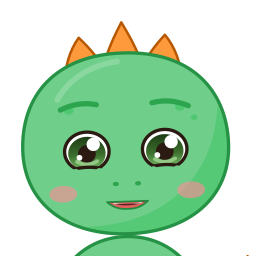
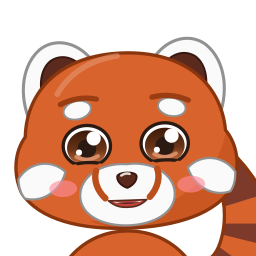
Pick yours: each blinks, talks and shows feelings.
People
- Amara
- Kai
- Lena
- Noor

- Harjot

- Mei

- Amani
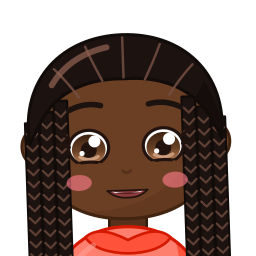
- Tayo

- Leo
Animals
- Owl
- Fox
- Panda
- Arctic Fox

- Fennec Fox
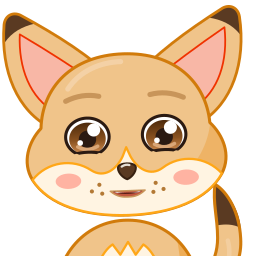
- Fox Kit
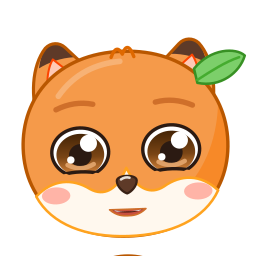
- Cat

- Bunny
- Penguin

- Dino
- Axolotl

- Sloth

- Red Panda
Creatures
- Bolt
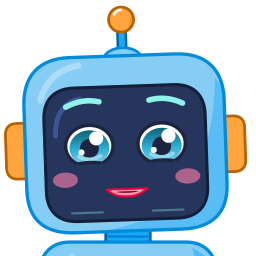
- Zuzu
- Fuzzle
- Boo

- Page
+8 colourways
What each feature does
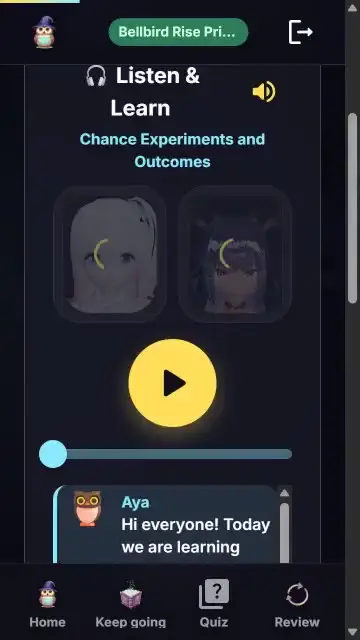
Every clip is the real app, filmed at Bellbird Rise Primary, a demo school with demo accounts.
Built for students, parents, teachers, tutors and schools
School leaders
Your roster and classes, a private school library, school-wide AI policy and learning records stored in Australia.
Everything for schools →Teacher
Lesson planners pinned to your class, live quizzes, class insights and a ranked queue of who needs you.
Everything for teachers →Parent
Approve each AI helper one by one, and see what your child is working on in a weekly digest.
Everything for parents →Tutor
A free tutor account: create a class, share its code, and the learners you already teach practise between sessions.
Everything for tutors →Student
Pick Australia or the USA, a year level and a subject, and learn with adaptive quizzes and talking tutors.
Everything for students →Safe, private, Australian
Under-13s Never Type Into an Open Box
In Quest Kingdom the free-text composer, microphone and file upload are not rendered at all — every AI activity is tap-only from a curated set. A structural guard, not a setting.
Parents Hold the Keys
Every AI helper stays off for under-16s until a parent flips its own toggle, and the Transparency Ledger summarises each AI request in an allowed feature, with one-click erase.
Learning Records Stored in Australia
Learning records are stored in Melbourne. AI providers' global services do the AI work, and email addresses and phone numbers, and names written behind a label, are masked before any AI call. Never sold, never used to train AI models.
No Ads. No Dark Patterns.
No advertisements, no advertising trackers, no guilt-trip streaks — under-13s get encouragement-only streaks, and nothing recurring is ever pre-ticked.
Frequently Asked Questions
An AI-powered learning platform for any learner and any topic, free to start. Talking tutors discuss your stuck questions, adaptive quizzes retune to every answer, and personalised learning paths follow the Australian Curriculum v9 and US K–12 standards from Foundation/Kindergarten to Year/Grade 10. The app changes shape with your age — a tap-only Quest Kingdom under 13, a sleeker teen home for 13–17, and full dashboards for parents, teachers and adult learners.
The app comes in 10 language versions: English (Australian and Indian), Hindi, Punjabi, Gujarati, Tamil, Telugu, Arabic, Chinese and Vietnamese, with a few screens still in English. Translating new content uses a little of the monthly allowance; existing translations are shared free. Languages is also a subject: 11 courses.
No. It is built for adult learners, university students and self-taught learners too. The ready-made curriculum catalogue is built for Foundation/Kindergarten to Year/Grade 10, and two other ways in are not limited to it: from age 16 you can type any subject at all and get a full personalised learning path, and from age 13 you can turn your own PDFs and images into study guides, quizzes and flashcards. Schools go further and build paths from their own library files, with no curriculum framework behind them.
Every age is welcome, but trying Qwizflow without an account is for 16 and over. Under 16, a parent or guardian approves each AI feature, and that approval needs a saved account — so a younger learner signs up free and links a parent or guardian, and schools can add whole classes. From 16, the guest demo drops you straight into the full app; progress lasts until you close the browser.
It pays attention the way a great tutor does: how quickly you answer, which topics trip you up, whether hints help. Every answer retunes the next question, warm-ups target what you nearly forgot, and the whole app grows with your age and pace. Parents can see everything it has noticed and switch any part off, per feature.
Learning records are stored in Australia, and email addresses and phone numbers, and names written behind a label, are masked before any AI call. Under 13, every AI activity is tap-only, and no data is ever used to train AI models. Parents control each AI feature, and the Transparency Ledger summarises each AI request your child makes in a feature you allowed, plus one-click erasure.
Six learning areas per country, from Foundation/Kindergarten to Year/Grade 10 — in Australia: English, Mathematics, Science, Humanities and Social Sciences, Technologies and The Arts; in the USA: English Language Arts, Mathematics, Science, Social Studies, Technology and Computer Science, and The Arts. That is 13,200 topics in all, scoped to your own year level so you are never shown Year 10 work in Year 4. Plus 11 language courses from Gujarati to Japanese, and opt-in Religious Studies.
Yes. The AI Consent Centre lets parents enable or disable each AI feature individually, with plain-English explanations banded by age. Under 16, only a parent can grant consent; 16–17 can self-consent with parent override. The age comes from the recorded date of birth on the server, so a gate cannot be talked around in the browser.
Yes. Pick USA on the home page and you get a US spine, Kindergarten to Grade 10. It follows the structure and vocabulary of the Common Core State Standards for English and Maths and the Next Generation Science Standards for Science. There is no national US curriculum and Qwizflow claims no official endorsement — the Australian and US versions are authored separately, because US Science is organised around NGSS* disciplinary core ideas where Australian Science is organised around ACARA sub-strands. Grades 11 and 12 are not in the published catalogue; a learner that senior can still type their own subject or learn from their own documents.
Yes, and it is free. Qwizflow is a progressive web app: on Android and desktop Chrome you get an install button, and on an iPhone or iPad you add it from the Safari share sheet. It then opens like any other app, with its own icon, shortcuts to a quiz or a review, and an unread badge. There is nothing to download from an app store and no separate account.
Answered on their own pages: Is Qwizflow free, and what do credit packs cost?How does per-feature AI consent work?
Ready when you are
Jump straight in — no forms, no card, no fuss. Your tutors are already warmed up.
Like it? Keep it.
Everything you do here lives in this browser. Add an account and it follows you everywhere — school, home, grandma's iPad. One tap does it.
Free to start · No ads · Under 16? Sign up here, then link a parent so they can approve your AI helpers.